
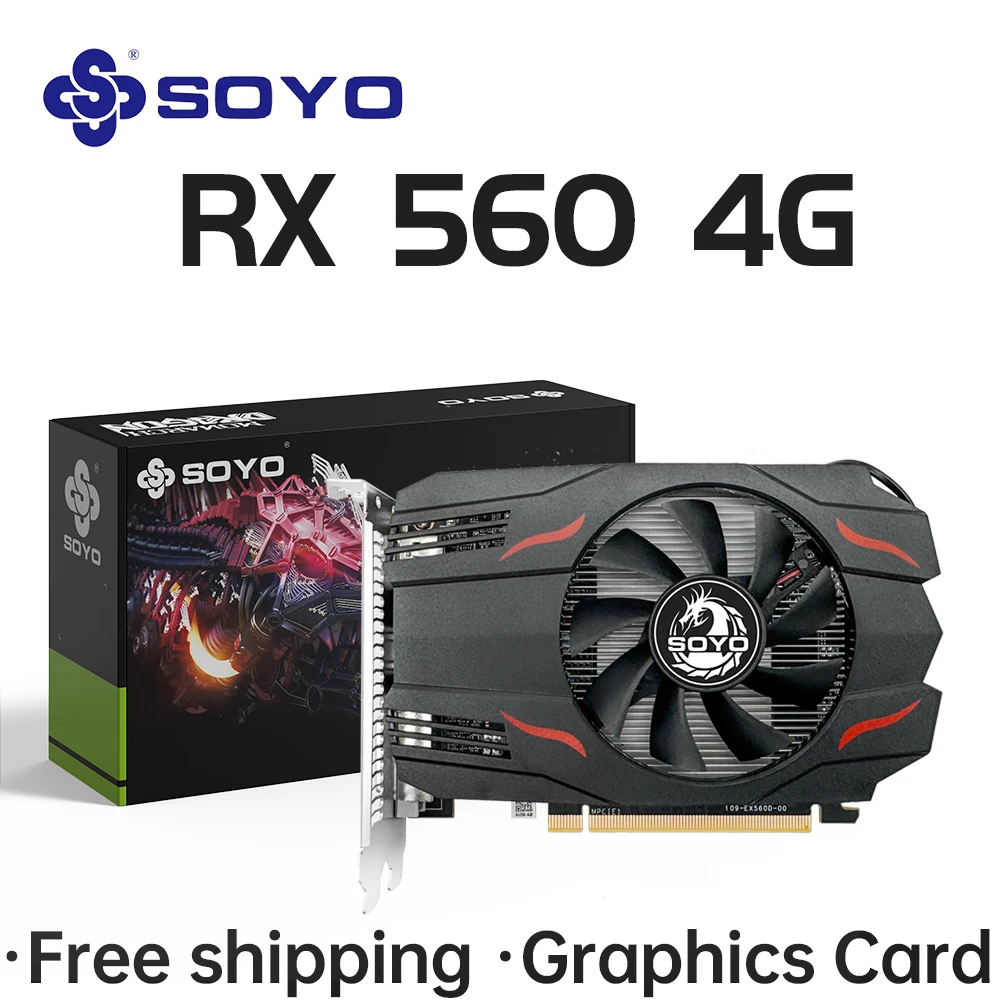
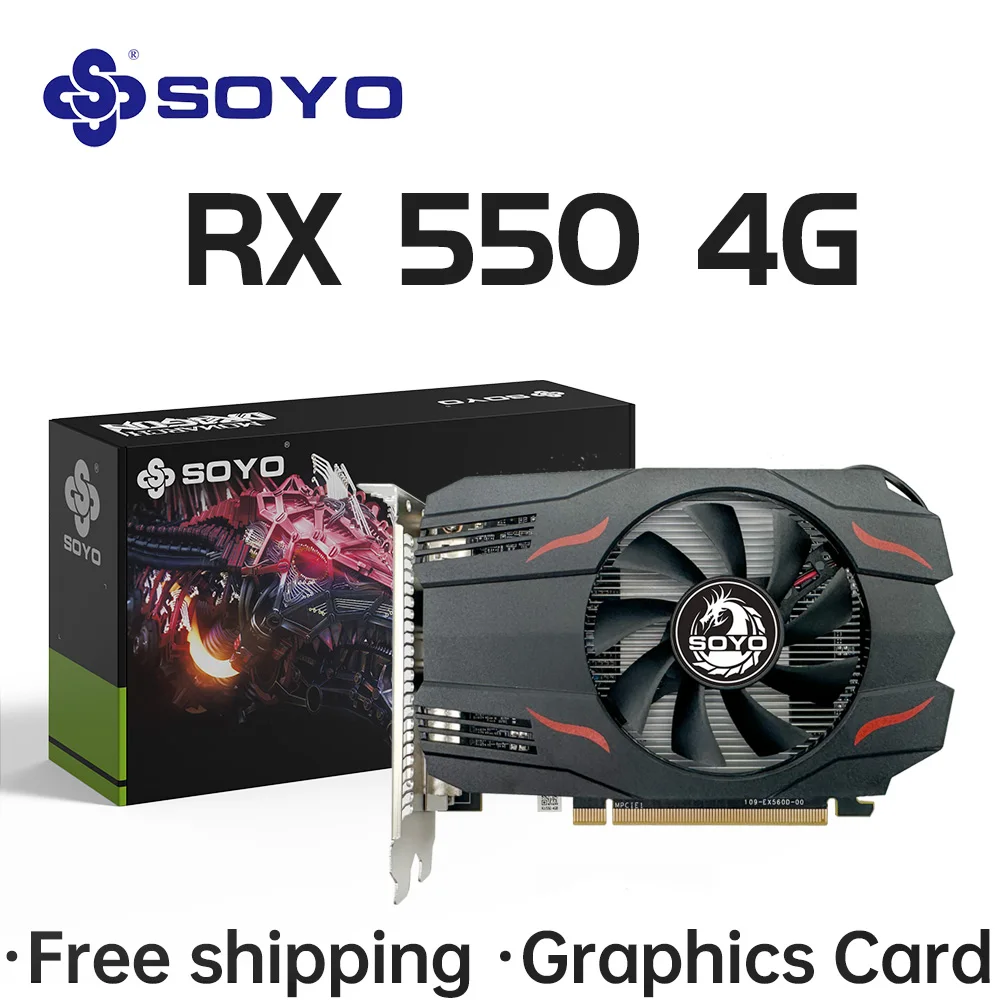



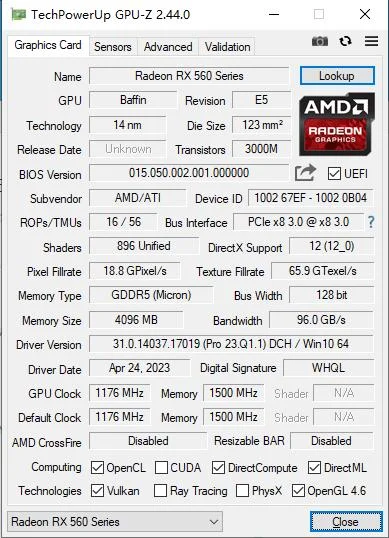
SOYO AMD Radeon RX550 4GB GPU GDDR5 14nm For Desktop PC Games Video RX560 Graphics Card 128bit RX 550 Computer Components
RM 130
10 in stock
Description
SPECIFICATIONS
Application: Desktop
Brand Name: SOYO
Chip Process: 14NM
Chipset Manufacturer: AMD
Choice: yes
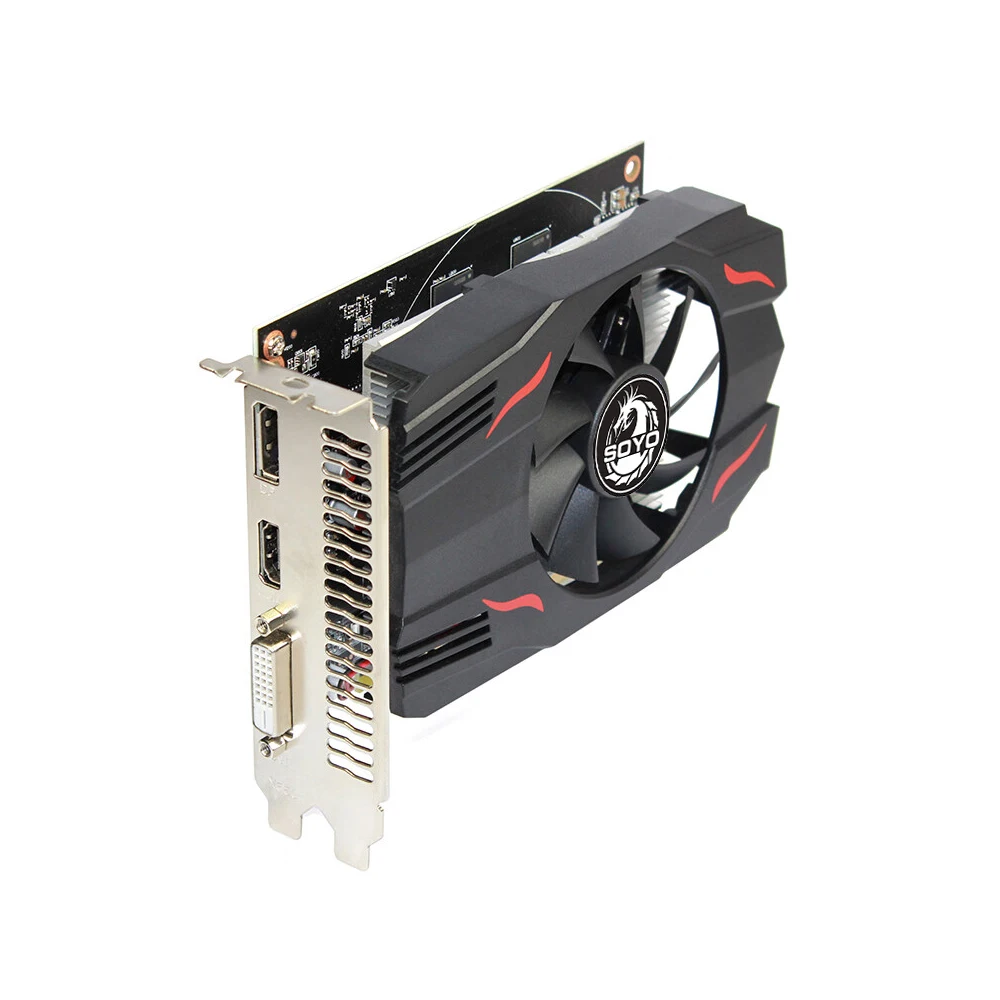
Cooler Type: Single Fan
High-concerned chemical: None
Interface Type: PCI Express 3.0×16
Itel condition: New
Max Resolution: 4096 x 2160
Memory Clock(Mhz): 6000
Memory Interface: 128 BIT
Origin: Mainland China
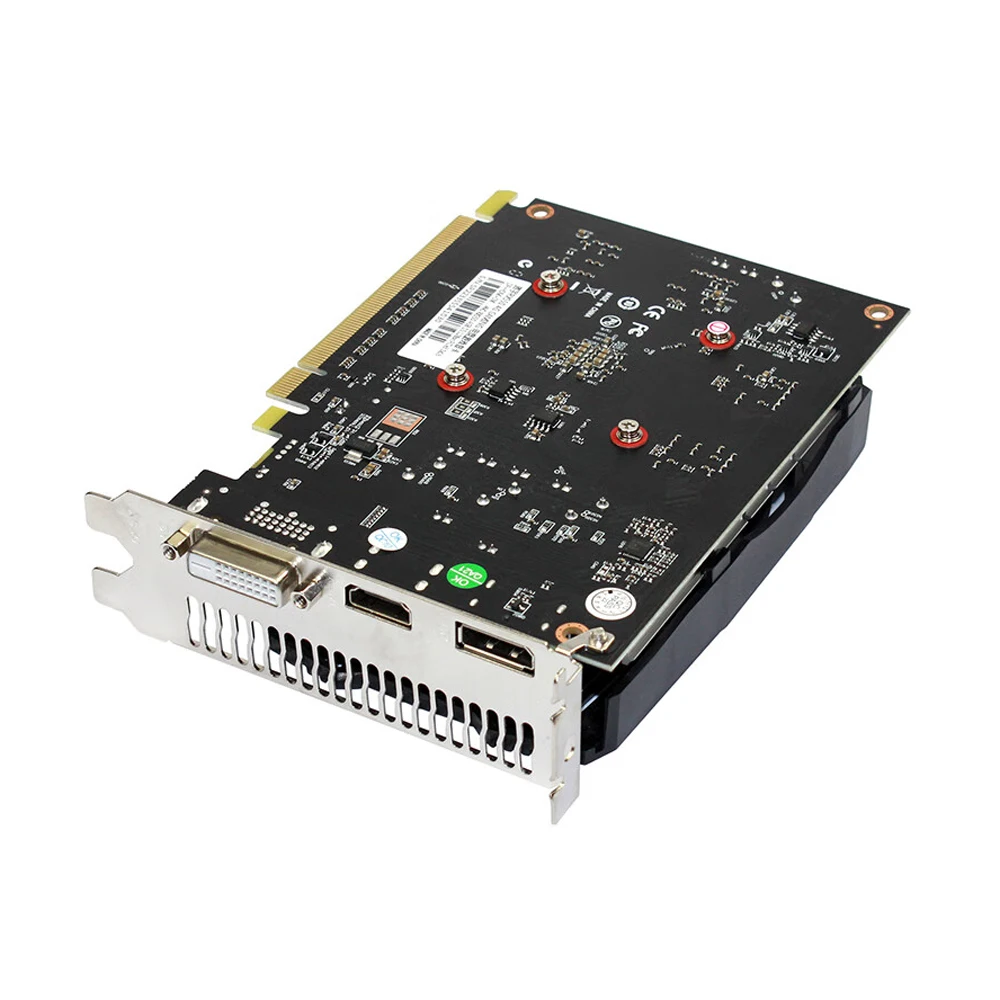
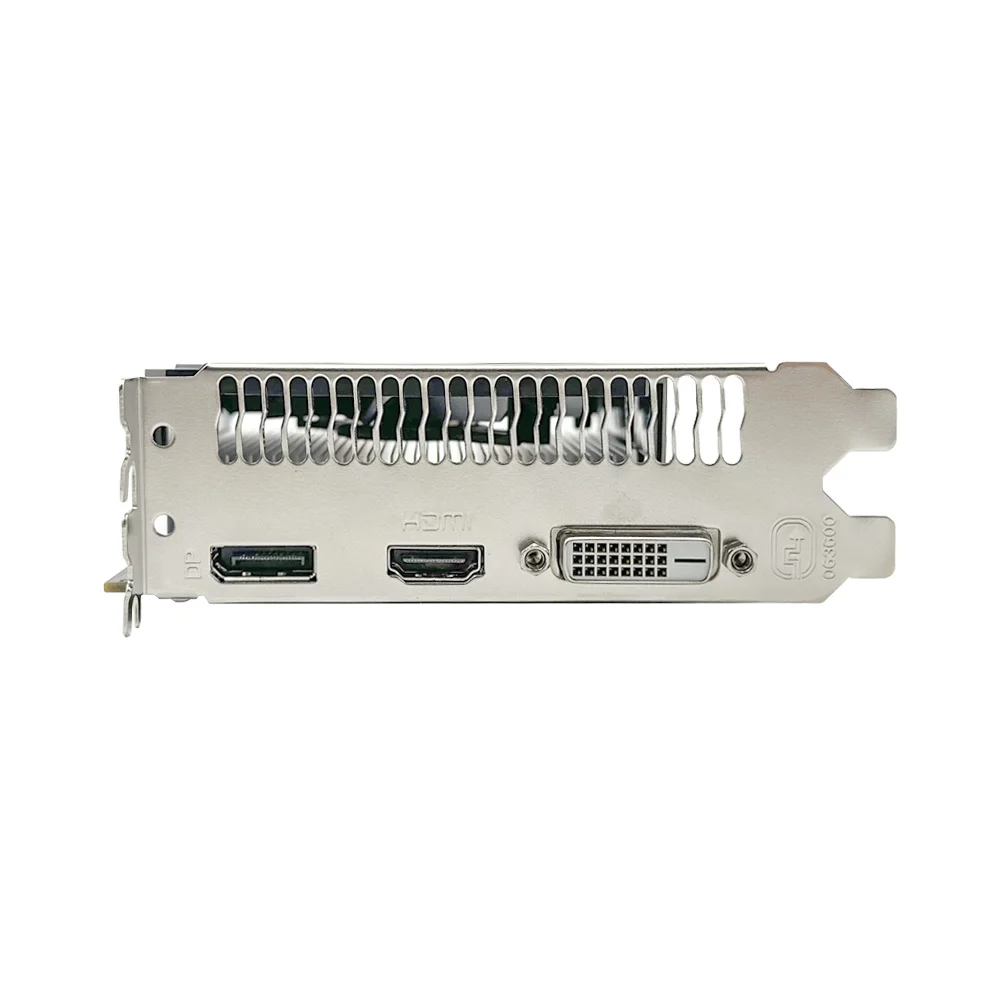
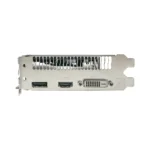
Output Interface Type: DVI-I,HDMI 1.4×1,DisplayPort x1
Overclocked: No
Package: yes
Power Connector: None
Product Category: Desktop Graphics Cards
Product Features: HDCP Ready
RGB: No
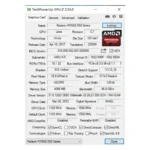
Stream Processors: 512
Usage Scenario: Enthusiast & Overclocking,Gaming,Audio & Video,Office
Video Memory Capacity: 4 GB
Video Memory Type: GDDR5
• Powerful GPU: Experience superior gaming performance with SOYO AMD Radeon RX550 4GB GPU, designed for high-resolution desktop PC games.
• Advanced Cooler Type: The single fan cooler ensures optimal heat dissipation, enhancing the card's lifespan and maintaining peak performance.
• High-resolution Display: With a maximum resolution of 4096 x 2160, this graphics card offers stunning visuals for your desktop computing and gaming needs.
• HDMI 128bit Support: Equipped with a 128bit HDMI interface, it provides smooth and high-quality video output to any HDMI-compatible display.
• HDCP Ready Feature: The HDCP Ready feature ensures secure transmission of copyrighted content, making it ideal for video rendering tasks.
• Easy Installation: Featuring a DisplayPort x 1 output interface, this graphics card is easy to install and compatible with most desktop computers.
● 100%Radeon RX550 4GB/RX560 4G
● 100% tested working before shipment


Install the graphics card:
1.Turn off the computer and unplug the power cord.
2.Remove the chassis cover and find the PCle slot.
3. Removethe metal back plate at the expansion slot you want to insert the graphics card in.
4.Insert PCle connector Bto PCle slot and make sure that it is firmly inserted
5.Fix the graphics card to the expansion slot with screw
6.Co nectthe corespondingPCle power connectorto he independent power supply inter face on tgraphics card

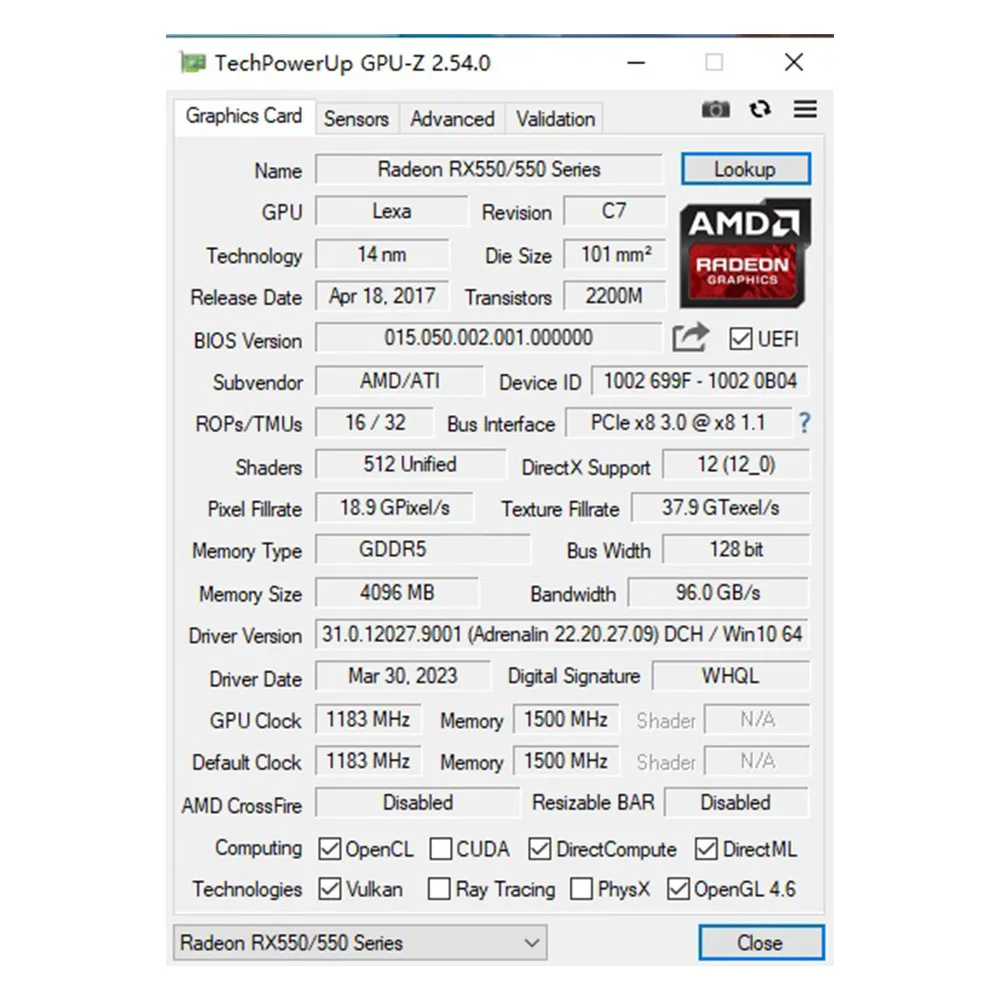
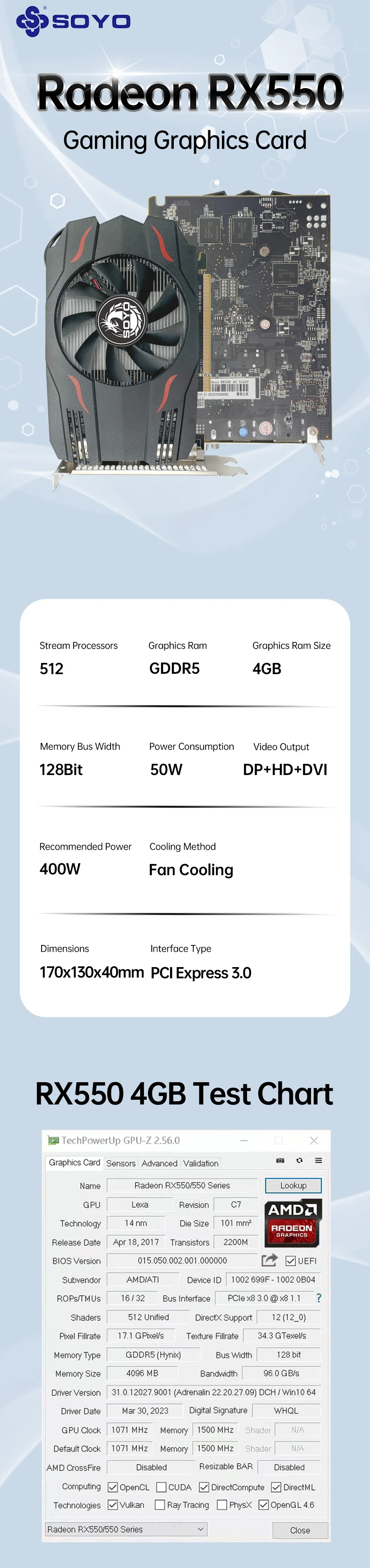
• GPU Model: AMD Radeon RX 550 4G
• Stream Processors: 512
• Core Frequency(Mhz): 1183MHz
• Memory Clock Speed(Mhz): 6000MHz
• Video Memory Capacity: 4GB
• Video Memory Type: GDDR5
• Video Memory Interface: 128Bit
• Interface Type: PCI Express 3.0 x 16(Effective Pci-e 3.0 x 8)
• DirectX: DirectX 12
• Output Interface Type: DVI * 1
• Output Interface Type: HDMI * 1
• Output Interface Type: DisplayPort * 1
• Power Connector: NONE
• Power Consumption: 50W
• Recommended power supply :300W or above

 Notice:
1. Under normal circumstances, the normal temperature of the graphics card should be between "30-85 ℃"
2. Even if the ambient temperature is too high in summer, the normal temperature is between "50-85°C"
3. Play some large 3D games and watch some high-definition videos, the graphics card temperature should be around 90℃
4. In fact, as long as the temperature of the graphics card does not exceed 95°C, there is generally no problem. If the temperature exceeds 95°C, the graphics card will automatically reduce the frequency, so there is no need to worry too much.
Questions and Answers:
Q : Why do golden fingers have scratches
A : Because graphics cards undergo multiple tests before leaving the factory, this is a normal phenomenon and there is no need to worry.
Q : Where can I download the driver?
A : Go to the corresponding official website to download the driver.
Additional information
| Color |
RX550 4G ,RX560 4G |
|---|
Reviews
There are no reviews yet.